Installed App
Switch Between App and Website
How DraftPDF behaves when used as an installed app versus a regular browser website.
DraftPDF works both as a regular website and as an installed app. Both modes use the same editor and process your PDF files locally in the browser.
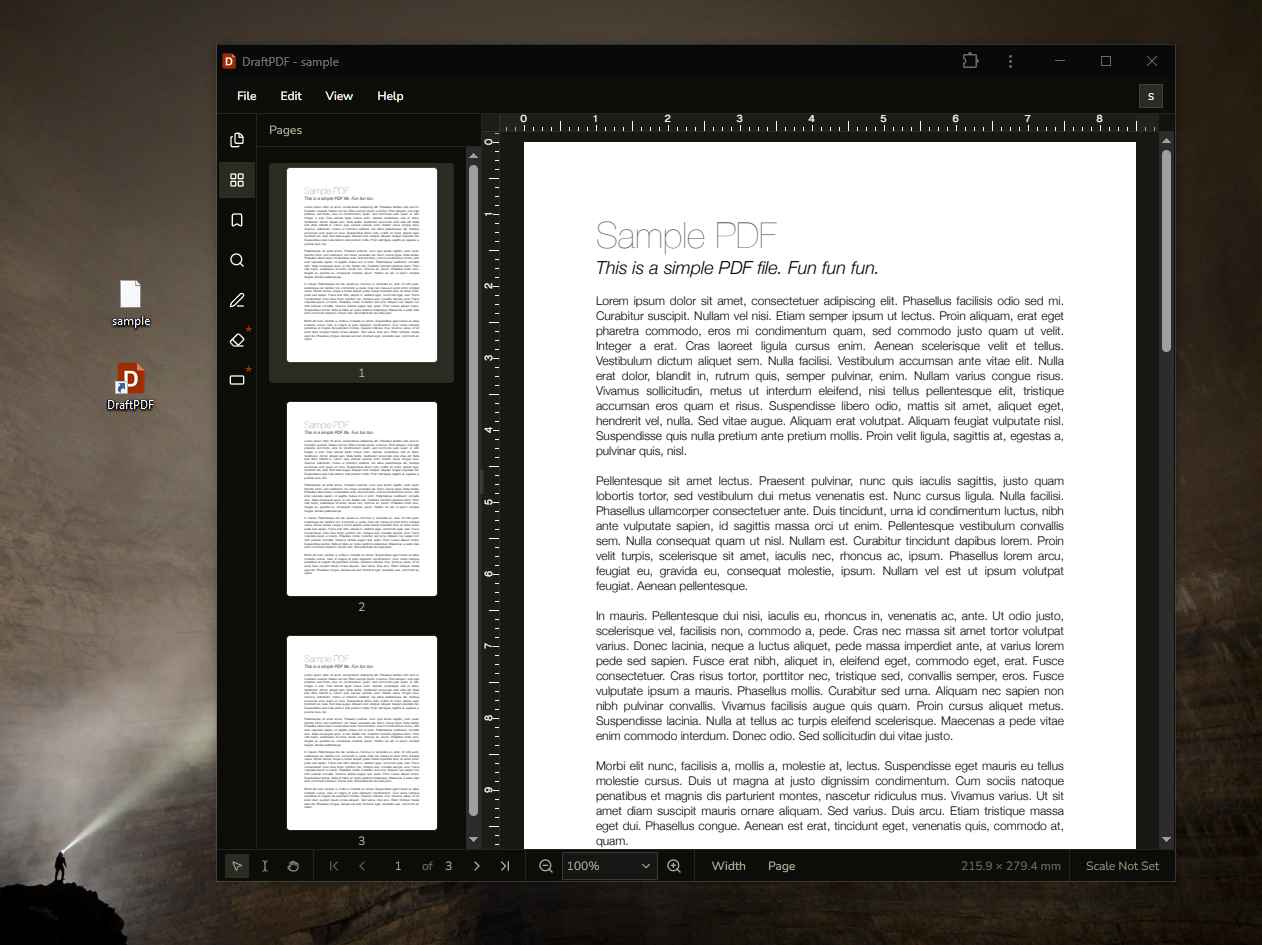
Using the website
When you visit DraftPDF in a browser tab, you can use the public website, help center, and editor normally. Website links such as Open Editor take you directly to the editor.
Using the installed app
When you launch the installed app from your desktop or app launcher, DraftPDF starts from a small app shell that checks your session and sends you to the editor or sign-in page.
Switch modes
- To use website mode, open DraftPDF from your browser bookmarks or by typing the site address.
- To use app mode, open DraftPDF from your desktop, dock, taskbar, start menu, or app launcher.
- To open local PDFs directly in app mode, use your operating system's Open With option after installing DraftPDF.
Tip:If the installed app seems to use old behavior after an update, open it once while online, then close and reopen it so the service worker can activate the latest version.