Rotate PDF Pages in Seconds
Fix upside-down or sideways pages instantly. Rotate one page, a selection, or your entire document — all inside your browser with no data sent to any server.
Free & full-featured · No uploads · Works offline
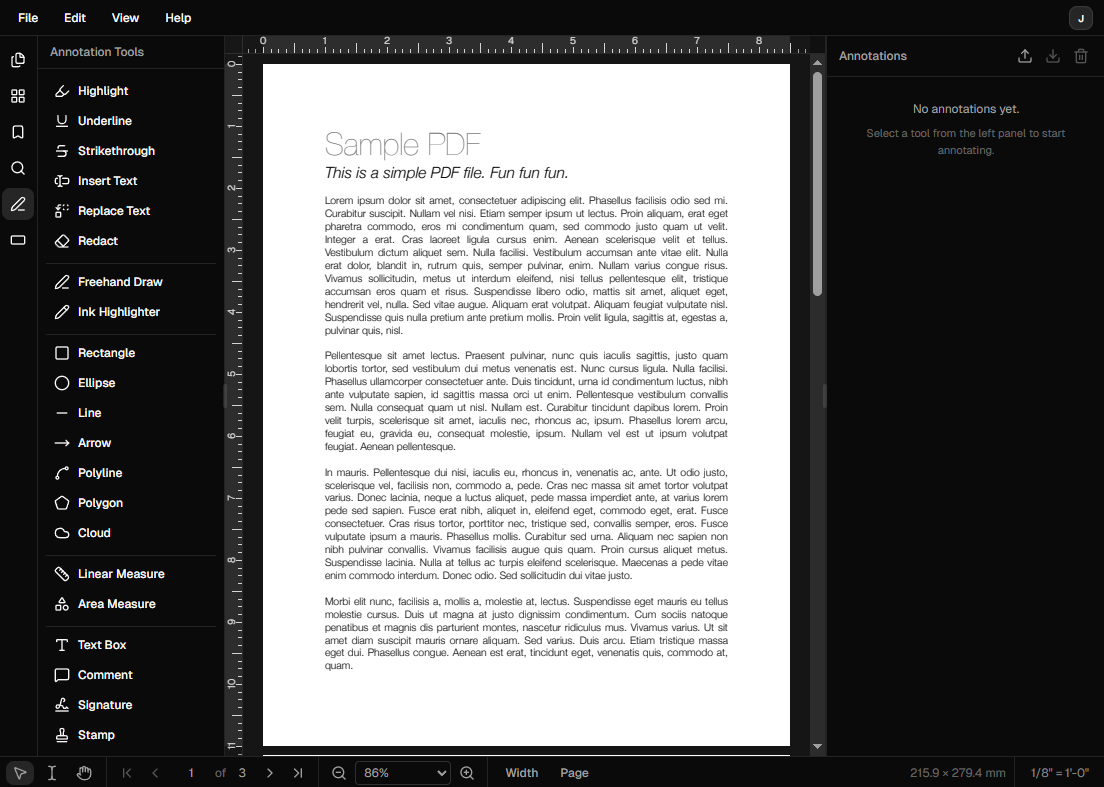
PAGE ROTATION
Get every page pointing the right way
Whether a scan came in sideways or a page was inserted upside down, DraftPDF makes it easy to fix orientation without re-exporting.
Rotate 90° or 180°: Choose clockwise, counter-clockwise, or full 180° flip for any page in your document.
Rotate individual pages: Target a single page from the thumbnail panel without affecting the rest of the document.
Rotate all pages at once: Apply a rotation to every page simultaneously for documents scanned in the wrong orientation.
Frequently Asked Questions
Everything you need to know before you get started.
How do I rotate a PDF page?
Step-by-step guide
Open your PDF in DraftPDF, navigate to the page you want to rotate using the thumbnail panel on the left, then use the Rotate controls in the toolbar to rotate 90° clockwise or counter-clockwise. Save the document to apply the change permanently.
Is rotating a PDF free?
Pricing
Yes. Page rotation is a free feature in DraftPDF. You can rotate as many pages as you need without creating an account.
Can I rotate just one page without affecting others?
Selective rotation
Yes. DraftPDF lets you rotate individual pages independently. Select the page in the thumbnail panel and apply the rotation — other pages remain unchanged.
Will the rotated PDF open correctly in other viewers?
Compatibility
Yes. DraftPDF saves the rotation in the standard PDF page dictionary, so the correct orientation is preserved when the file is opened in Adobe Reader, Chrome, or any other compliant PDF viewer.
Ready to get started?
Open DraftPDF in your browser — no account, no install, no data ever leaves your device.
Free & full-featured · Works offline · No sign-up required
Related Tools
Merge PDFs
Open multiple PDF files and combine them into one document in seconds. Free, browser-based PDF merger — no uploads, no installs.
➕Insert Pages
Add pages from another PDF or insert blank pages anywhere in your document. Free, browser-based, no uploads required.
✂️Delete Pages
Remove unwanted pages from any PDF document instantly. Browser-based, no uploads, no installs.
🔖PDF Bookmarks
Create, edit, and organise PDF bookmarks (outlines) to make navigation effortless. Free, browser-based.