Page Management
Inserting a Blank Page
How to add a blank page to a PDF at any position using DraftPDF.
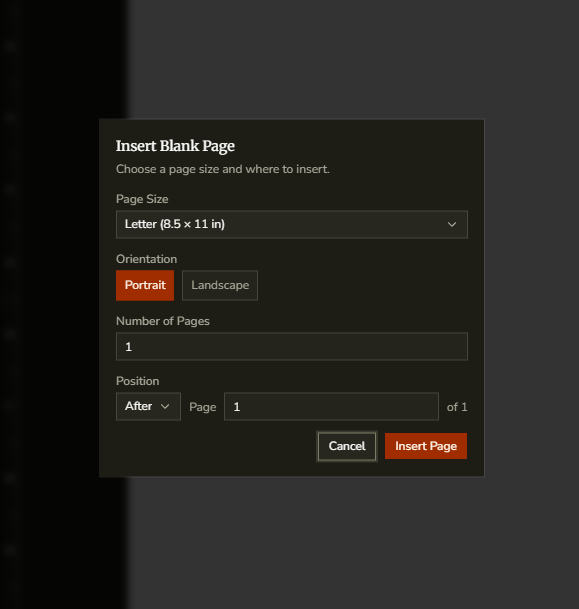
Use the Insert Blank Page dialog when you need to add a new empty page between existing pages or append one to the end of the document.
- Open the Thumbnails panel from the left sidebar.
- Right-click a page thumbnail and choose Insert Blank Page.
- Choose the page size and orientation for the new page.
- Set whether the page should be inserted before or after the selected page.
- Click Insert.
Tip:This is useful for cover sheets, separators, note pages, or inserting room for signatures later in the document.