Getting Started
Editing File Metadata
How to view and update document metadata such as title, author, subject, and keywords in DraftPDF.
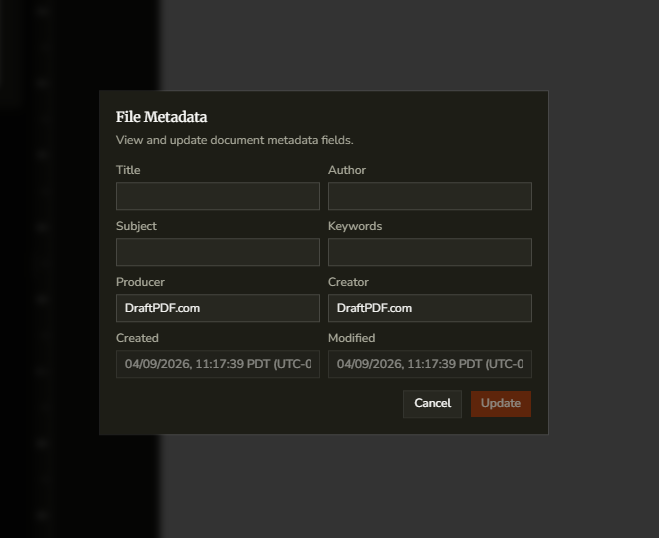
The File Metadata dialog lets you review and update document-level metadata that is stored in the PDF itself.
- Open the PDF in DraftPDF.
- Go to File > File Metadata.
- Edit the fields you want to change, such as Title, Author, Subject, or Keywords.
- Review the read-only creation and modification date fields if needed.
- Click Save Changes.
Tip:Metadata travels with the exported PDF and can help with organization, search, and downstream document management tools.