Install DraftPDF as an App
Launch DraftPDF from your desktop, taskbar, dock, or app launcher, then open local PDF files in the same private browser-based editor.
Free & full-featured · No uploads · Works offline

APP-LIKE WORKFLOW
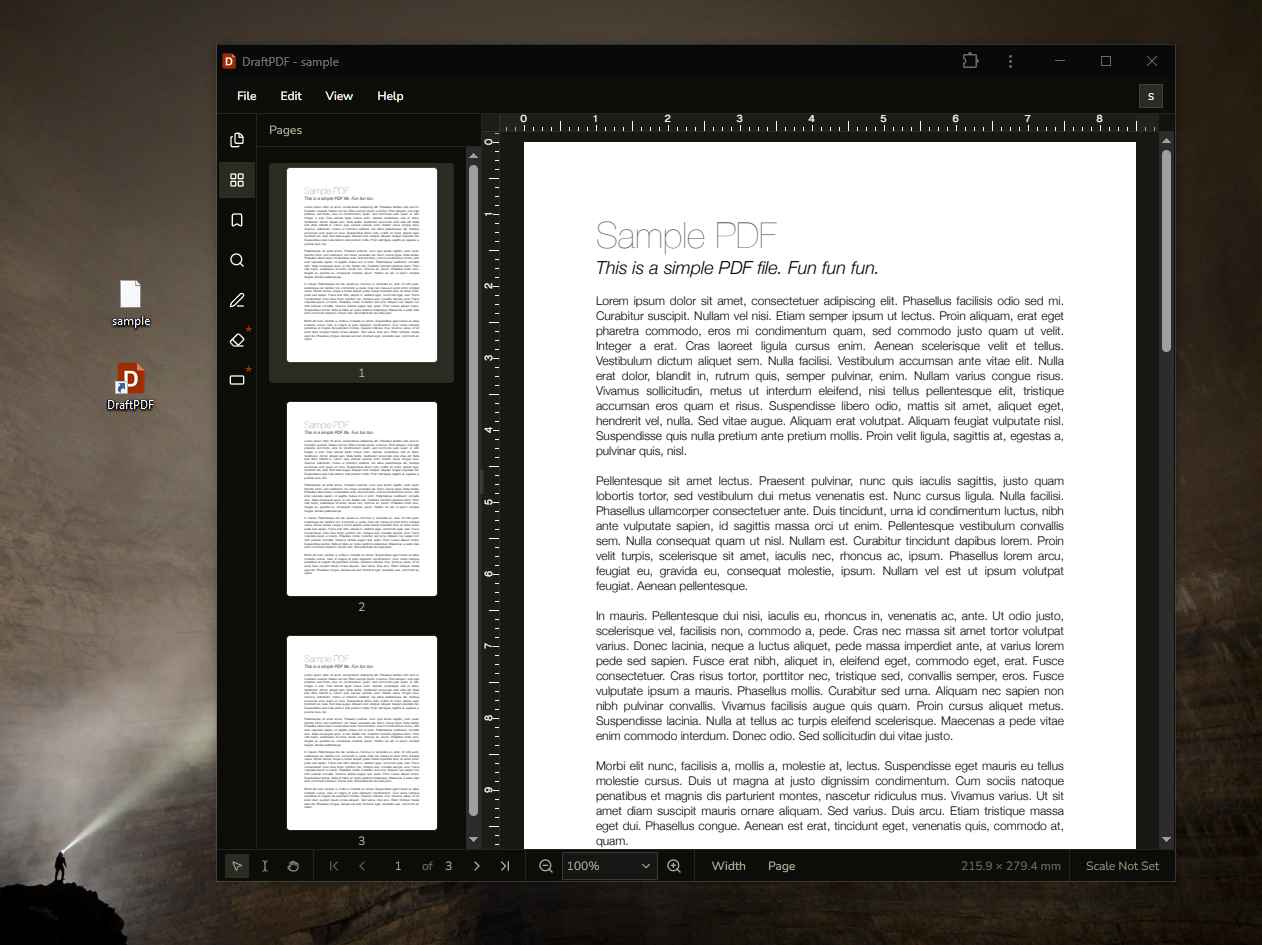
Launch DraftPDF from your desktop
The installed app gives DraftPDF its own window and startup route while keeping the same privacy-first editor you use on the website.
Desktop launch: Open DraftPDF from your app launcher, Start menu, taskbar, dock, or desktop shortcut instead of hunting for a browser tab.
Focused app window: Use the editor in a standalone window with less browser chrome around your document workflow.
Cached app files: DraftPDF caches the launch shell and core app assets so the installed app can show a controlled offline state when the server cannot be reached.
PDF FILE HANDLING
Open local PDFs directly in DraftPDF
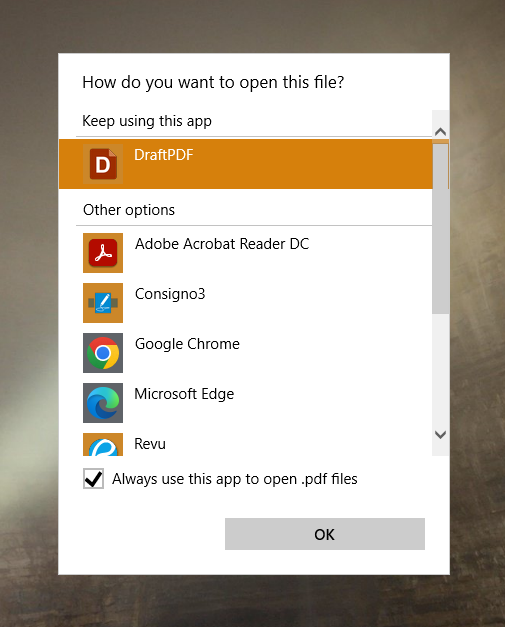
On supported browsers and operating systems, the installed app can appear as an Open With option for PDF files.
Open With support: Set DraftPDF as a PDF option in your operating system so double-clicked or opened files can launch the editor directly.
Private local editing: Files still open locally in your browser environment. Installing DraftPDF does not upload your PDFs to a server.
Auth-aware launch: If you are signed out, DraftPDF sends you through sign-in and returns you to the editor workflow.
WEBSITE OR APP
Use the same editor in either mode
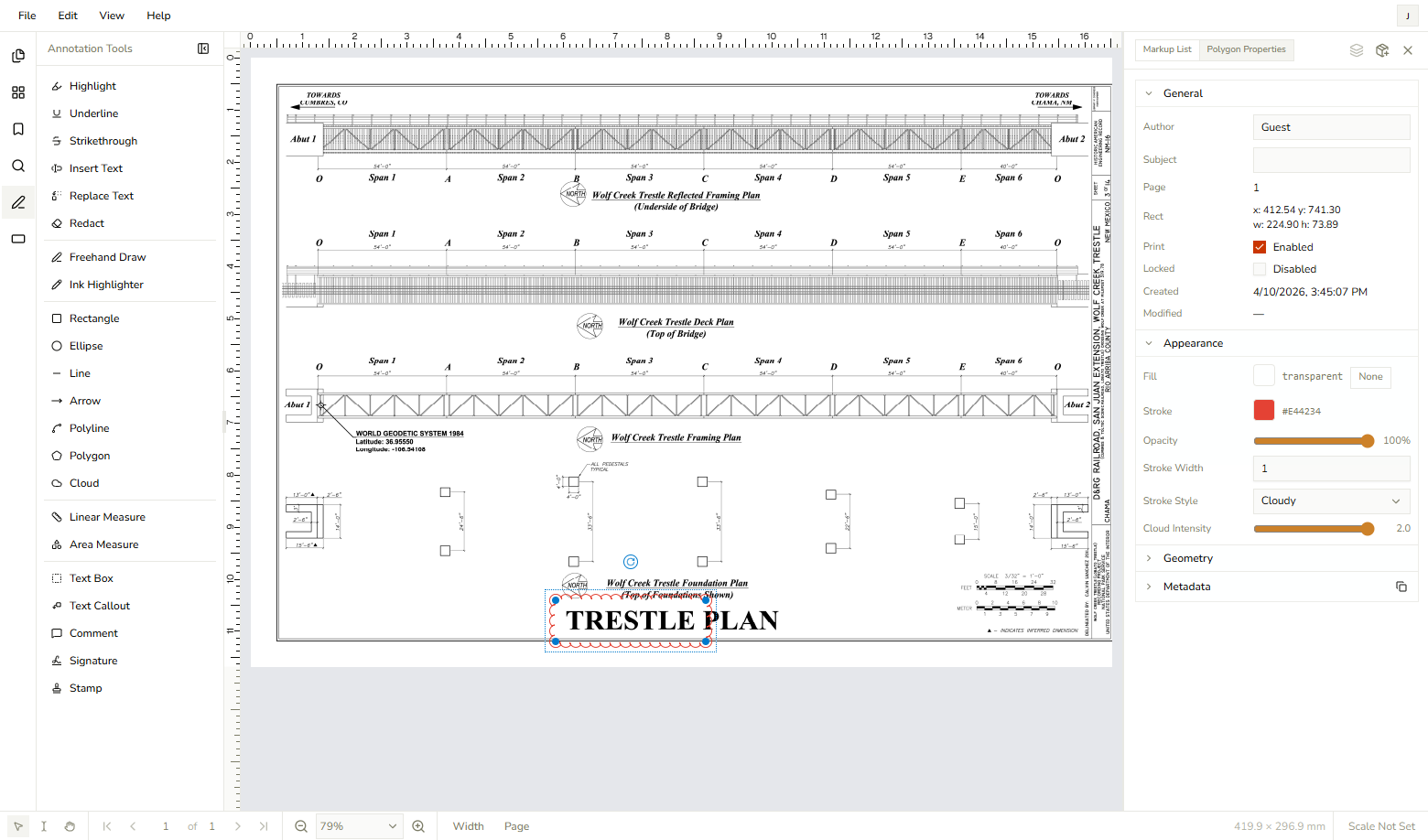
DraftPDF works as a regular website and as an installed app, so you can choose the workflow that fits the task.
Website mode: Use DraftPDF from the browser when you want a normal tab, shared links, bookmarks, and browser history.
Installed app mode: Use the app icon when you want a dedicated window and a more direct launch path into the editor.
Browser support: Chrome and Edge desktop provide the best installed-app and PDF file-handler support. Firefox desktop can still use DraftPDF as a website.
Frequently Asked Questions
Everything you need to know before you get started.
Which browsers support installing DraftPDF?
Browser support
Chrome and Edge desktop provide the best support for installing DraftPDF and opening PDFs with the app. Firefox desktop does not currently support this installed-app workflow, but DraftPDF still works there as a regular website.
Does installing DraftPDF upload my PDFs?
Privacy
No. Installing DraftPDF changes how the app launches; it does not change the file-processing model. PDFs are still opened and edited locally in your browser environment.
Can DraftPDF become my default PDF viewer?
File handling
On supported Chromium browsers and operating systems, DraftPDF can appear as an option for opening PDF files. You can choose it from your operating system's Open With settings and, where supported, make it the default.
Does the installed app work offline?
Offline behavior
DraftPDF caches the launch shell and app assets so it can show a graceful offline state when it cannot reach the server. Full signed-in editor access still depends on the current authentication and cached app state.
Do I need to reinstall after updates?
Updates
Usually no. The installed app checks for service worker updates when it opens while online. After an update is available, closing and reopening the app or refreshing the page loads the latest version.
Ready to get started?
Open DraftPDF in your browser — no account, no install, no data ever leaves your device.
Free & full-featured · Works offline · No sign-up required
Related Tools
Merge PDFs
Open multiple PDF files and combine them into one document in seconds. Free, browser-based PDF merger — no uploads, no installs.
➕Insert Pages
Add pages from another PDF or insert blank pages anywhere in your document. Free, browser-based, no uploads required.
✂️Delete Pages
Remove unwanted pages from any PDF document instantly. Browser-based, no uploads, no installs.
🔖PDF Bookmarks
Create, edit, and organise PDF bookmarks (outlines) to make navigation effortless. Free, browser-based.